Last updated: April 17, 2026
What Opus 4.7 really shipped was more than a stronger model
The most interesting part of this release is not only the benchmark jump, but the workflow guidance around auto mode, verification, and delegation.
TL;DR
Key takeaways first
>The most useful part of Opus 4.7 is not just the benchmark story. It is how much workflow guidance Anthropic effectively shipped with it.
>Auto mode, recaps, /focus, /effort, and verification together point to a more mature way of working with AI coding tools.
>What matters now is not only prompt engineering, but workflow engineering around delegation, friction reduction, and self-checking.
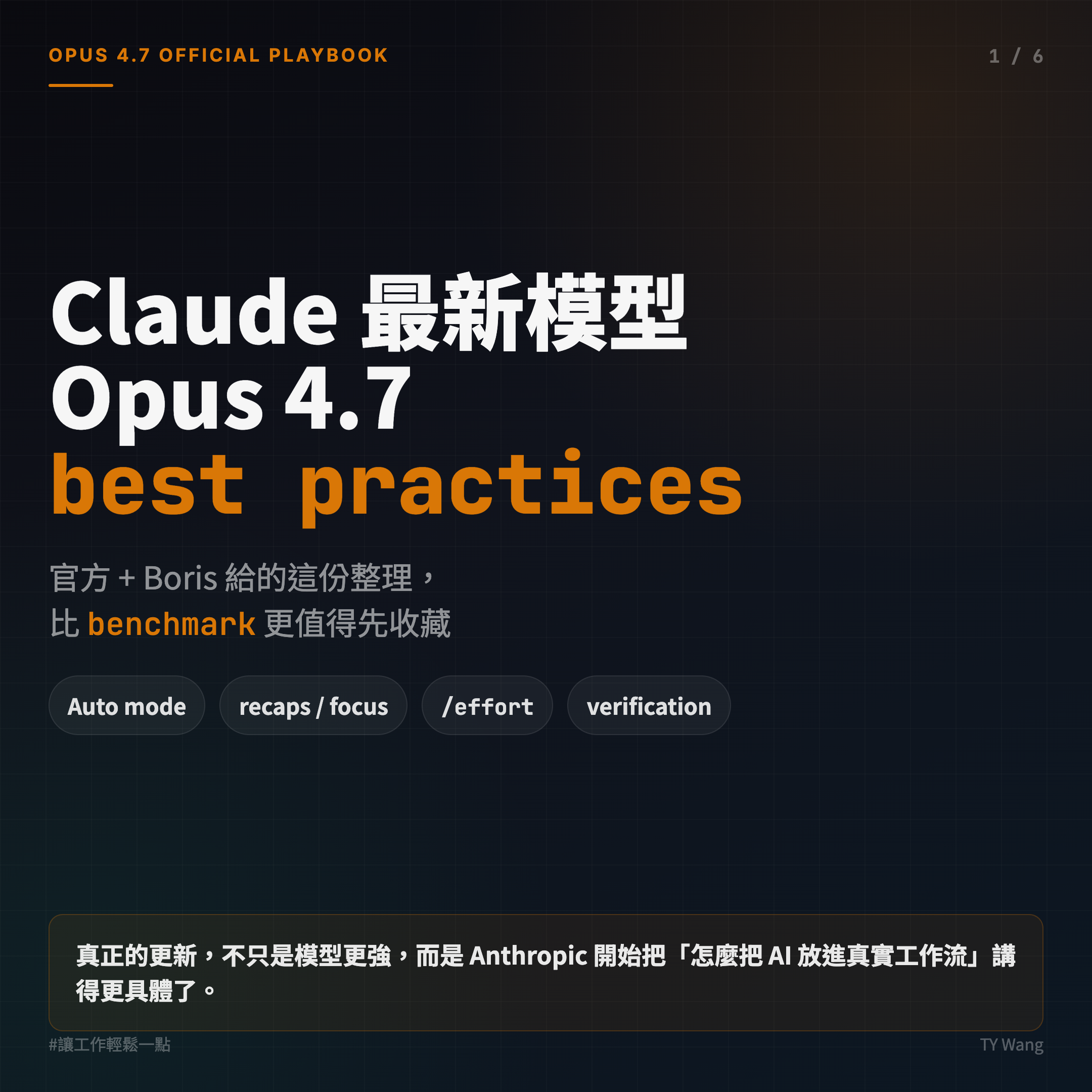
Anthropic has just released Claude Opus 4.7.
But after reading the official notes and the early guidance shared by experienced users, the strongest impression I had was not the benchmark story.
It was that Anthropic had quietly published a working manual.
And not the vague kind that says, "Use AI well."
This one is concrete: Auto mode, /fewer-permission-prompts, recaps, /focus, /effort, verification, and even repeatable workflow patterns like /go.
So if you have been using tools like Claude Code, Codex, or Cursor, I think the first thing worth studying is not the raw score jump.
It is how Opus 4.7 is teaching you to work.
1. Auto mode feels like the update that finally becomes delegable
The key story here is not only model capability. It is that Auto mode reduces permission prompts.
Why does that matter?
Because a lot of long tasks were already theoretically delegable before, but in practice you still had to babysit the model. Deep research, long refactors, feature work, repeated testing loops, all of these sounded delegable until the system kept asking for approval every few steps.
Auto mode starts to address that.
When low-risk actions can be classified and cleared automatically, the workflow stops pulling the human back in for every small motion.
That does not just save clicks.
It changes the operating feel. You can actually leave the model running, switch your attention elsewhere, and even manage several sessions in parallel.
From a management lens, that feels like a real threshold. Once something no longer needs approval at every step, it starts to feel genuinely delegable.
2. Permissions are not only something to tolerate. They are something to tune.
If you are not ready to jump straight into Auto mode, another useful direction is /fewer-permission-prompts.
What I like about this is the mindset behind it.
It treats friction as something that can be observed, systematized, and improved, not just endured.
A lot of AI tool complaints stop at the same place:
- too slow
- too noisy
- too many prompts
But this release suggests a more mature framing. Those points of friction are not fixed facts of life. They are workflow design targets.
That matters because it means the product is no longer only about raw model intelligence. It is also about shaping a smoother and more intentional operating environment.
3. Recaps and /focus feel a lot like an async teammate
Two easy-to-underestimate additions are:
- recaps
/focus
Recaps give you a short summary of what the agent just did and what it plans to do next.
That is a big quality-of-life shift for long-running sessions. Instead of scrolling backward through a long work log, you come back to something closer to a stand-up summary.
/focus is interesting for a different reason. It hides a lot of the smaller intermediate actions and lets you pay attention to the result.
That points toward a bigger change: the product is moving toward a world where you do not need to watch every step.
At that point, Claude starts to feel less like a chat box and more like an async teammate.
4. effort feels more human than a raw thinking budget
Opus 4.7 leans on adaptive thinking rather than the older style of explicit thinking budget.
That makes sense to me because most users do not actually care about the hidden token mechanics.
They care about questions like:
- Do I want this to be faster?
- Do I want this to be cheaper?
- Do I want the strongest answer on a hard problem?
That is why effort feels more like a useful management knob.
It turns model capability into something closer to a workflow control panel instead of a black box with mysterious internal settings.
5. Giving Claude a path to verify its work matters more than almost anything else
If I had to choose one lesson from this whole update, it would be this:
Give Claude a way to verify its own work.
That idea is not brand new, but it becomes even more important as the model gets stronger.
The form of verification depends on the task:
- For backend work, it needs a way to run the service and test it end to end
- For frontend work, it helps to let it operate a real browser flow
- For desktop work, it needs some usable interaction surface
In other words, do not only ask it to finish the task.
Give it a way to check whether the result actually works.
That is also why many strong prompts eventually stop being mere prompts. They become repeatable operating procedures.
6. So what really shipped this time?
If I had to summarize this release in one line, it would be this:
Anthropic did not only release a stronger model. It also released a more mature way of working with AI.
For a long time, many people treated AI like a clever autocomplete layer.
But the practices around Opus 4.7 point to something larger:
The core of AI coding is no longer only model strength.
It is how you delegate, reduce friction, set effort, and design verification.
That means the center of gravity is moving from prompt engineering toward workflow engineering.
Closing Note
These are still early notes for me.
Opus 4.7 is new, and I want more time with Auto mode, recaps, /focus, and verification inside real workflows before I form a stronger view about how reliable they feel over time.
PS
The moment I saw /focus, my first thought was simple: great, maybe I can finally spend less time reading AI narrate every tiny thing it just did.