Last updated: March 25, 2026
While everyone was chasing OpenClaw, I quietly assembled a small AI team
The tool I keep using every day is not the loudest agent platform, but Claude Cowork. What stands out to me is not only what it can do, but how well it handles context.
TL;DR
Key takeaways first
>The biggest value of Claude Cowork is not the agent framing, but how it keeps context, plugins, and workflow in one operating surface.
>It works best when your work already spans multiple tools and long-running context, not when you only need quick prompts.
>This piece explains where the tool actually changes daily execution and where it is just product theater.
While everyone was chasing OpenClaw, I quietly assembled a small AI team.
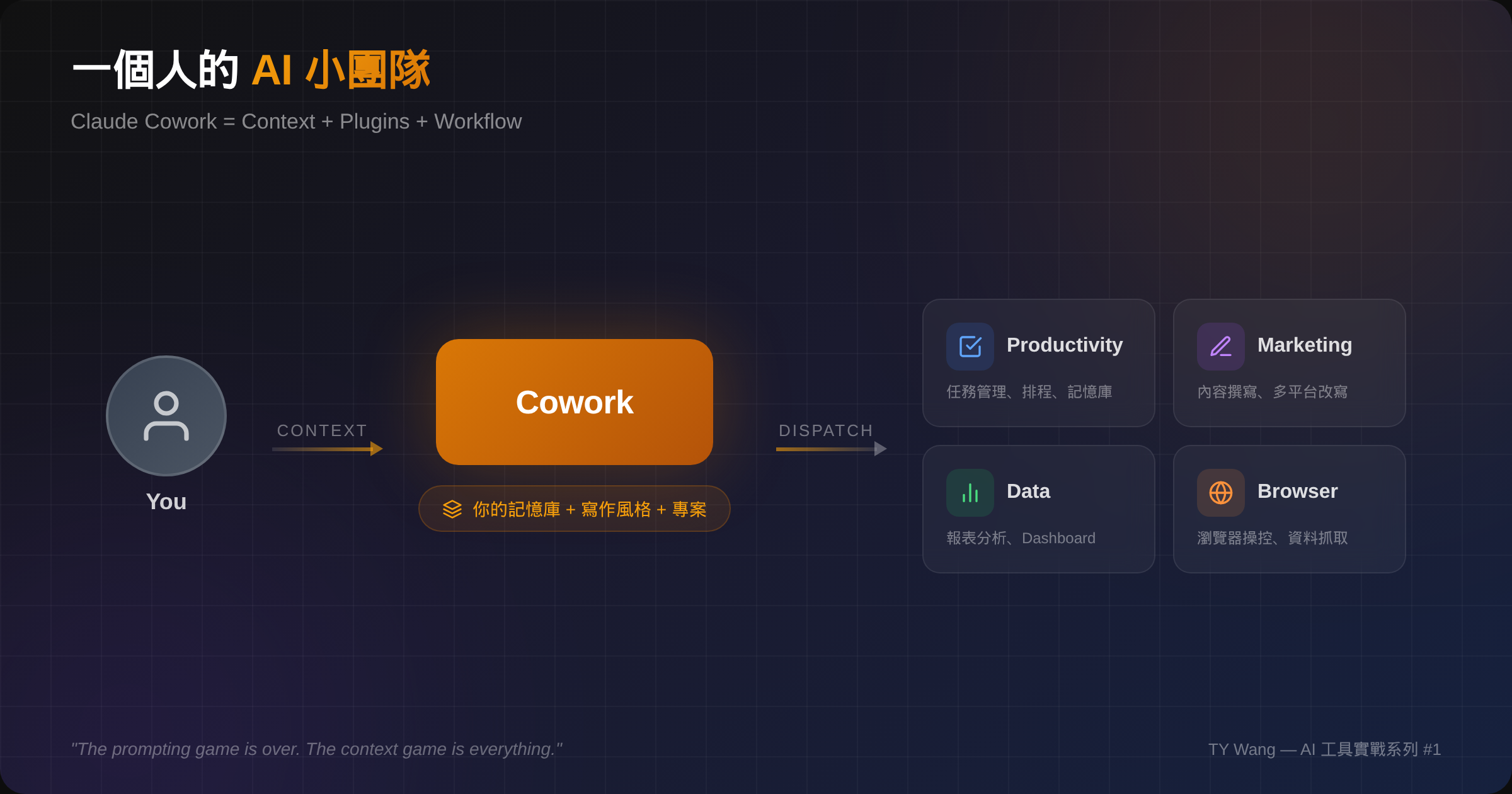
Lately the AI crowd has been full of talk about agent platforms, especially open-source frameworks like OpenClaw. They look powerful, flexible, and very future-facing.
But honestly, for most people who are not full-time engineers, half the battle is already lost once they have to understand the architecture and figure out deployment.
The tool I have actually been using every day is something that gets less hype: Claude Cowork.
1. What Claude Cowork actually is
The simple version is that it makes Claude feel less like a chatbot and more like an agentic system.
It can operate a browser, read and write files, run automations, and connect different plugins for different kinds of work. At first glance, that sounds similar to other AI agent tools.
What stood out to me was something more practical: the setup threshold was much lower than I expected, and the integration felt unusually complete. It was not only strong in theory. It became usable very quickly.
2. How I use it right now
My current Cowork setup has a few core plugins:
Productivity: task management, planning, schedulingMarketing: content drafting and rewriting across platformsData: reporting, analysis, and dashboard work
If I had to describe it casually, it feels like a very small AI team.
What matters is that these are not features that only look good in a demo. These are workflows I actually run every day. That distinction matters a lot to me because many tools are good at demos but much less good at daily work.
3. Context is everything
What really turns Cowork from an interesting toy into a working partner is not one plugin. It is the way context is handled.
Through the Productivity plugin, you can gradually build a personal memory layer: who you are, how you write, what projects you are working on, how you prefer to work, and even the roles and communication styles of people around you.
Once that context is in place, every conversation stops starting from zero. The system comes in carrying the background, so you do not have to keep re-explaining yourself.
That design logic feels very familiar to me. It is close to how we thought about domain-specific AI back when we were building dentall.ai. AI value is not only about general capability. It is also about how precise the context you give it can be.
The prompting game is over. The context game is everything.
4. What a one-person AI team actually helps with
Here are a few things I am genuinely using it for.
It helps me collect and sort the topics I care about across social platforms, from technical trends to industry signals, which saves a lot of filtering time. For work I want to move forward, it helps with planning, structuring, and scheduling.
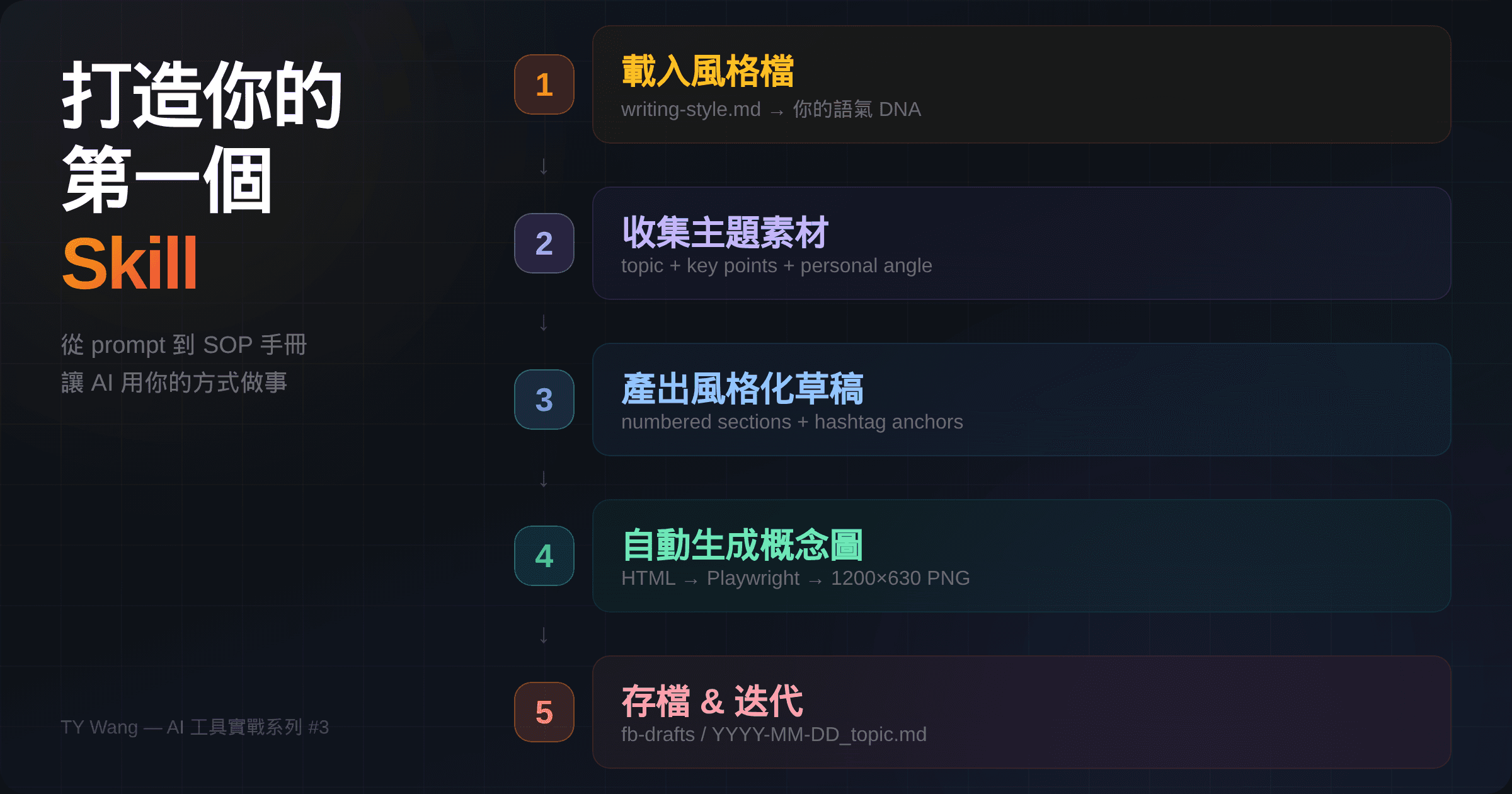
It has also made it much easier for me to document how I use AI tools and turn those notes into a series of articles, including the one you are reading now.
In the past, this kind of work would have felt like something you needed an assistant for, or maybe half a content person plus half a PM. Now one person can get a surprising amount of it moving.
5. Why I keep reaching for Cowork instead of OpenClaw
Back to the comparison.
Tools like OpenClaw are absolutely more flexible and more programmable. If you are an engineer who wants deep customization, that is a real strength.
My own filter is just a bit more practical:
- I care a lot about security
- I do not want to spend every time on deployment first
- I do not want the cost of using the tool to be understanding an entire agent architecture
Cowork feels better suited to normal working life. Once the plugins are set up, it becomes possible to enter a workflow very quickly instead of spending most of the time building the environment.
If your goal is to make AI part of your everyday work and improve real output, rather than occasionally showing off a demo, Claude Cowork is currently one of the most complete and usable tools I have tried.
Closing note
This is the first post in what will probably become a small series on how I actually use AI tools in work. If I get the time, I will share more tools, more workflows, and probably a few mistakes along the way.
If you are also figuring out how to use AI in real work instead of only in demos, I would be happy to compare notes.
PS
This article itself was first drafted with Cowork's Marketing plugin.
Final bit of technical dignity: the opinions and the snark are still mine.