Last updated: April 21, 2026
Turning the leaked Claude Design prompt into four usable skills
The real value is not the prompt — it is the methodology inside. I pulled it apart into four skills: DeckBuilder, AntiSlopReview, DesignContextImport, and FrontendVerify.
TL;DR
Key takeaways first
>What is valuable in the leaked Claude Design system prompt is not the tooling but the methodology for structuring design work so AI can execute it.
>I extracted it into four usable skills: DeckBuilder, AntiSlopReview, DesignContextImport, and FrontendVerify.
>Pulling out the methodology and pairing it with your own execution environment works better than trying to port the whole prompt.
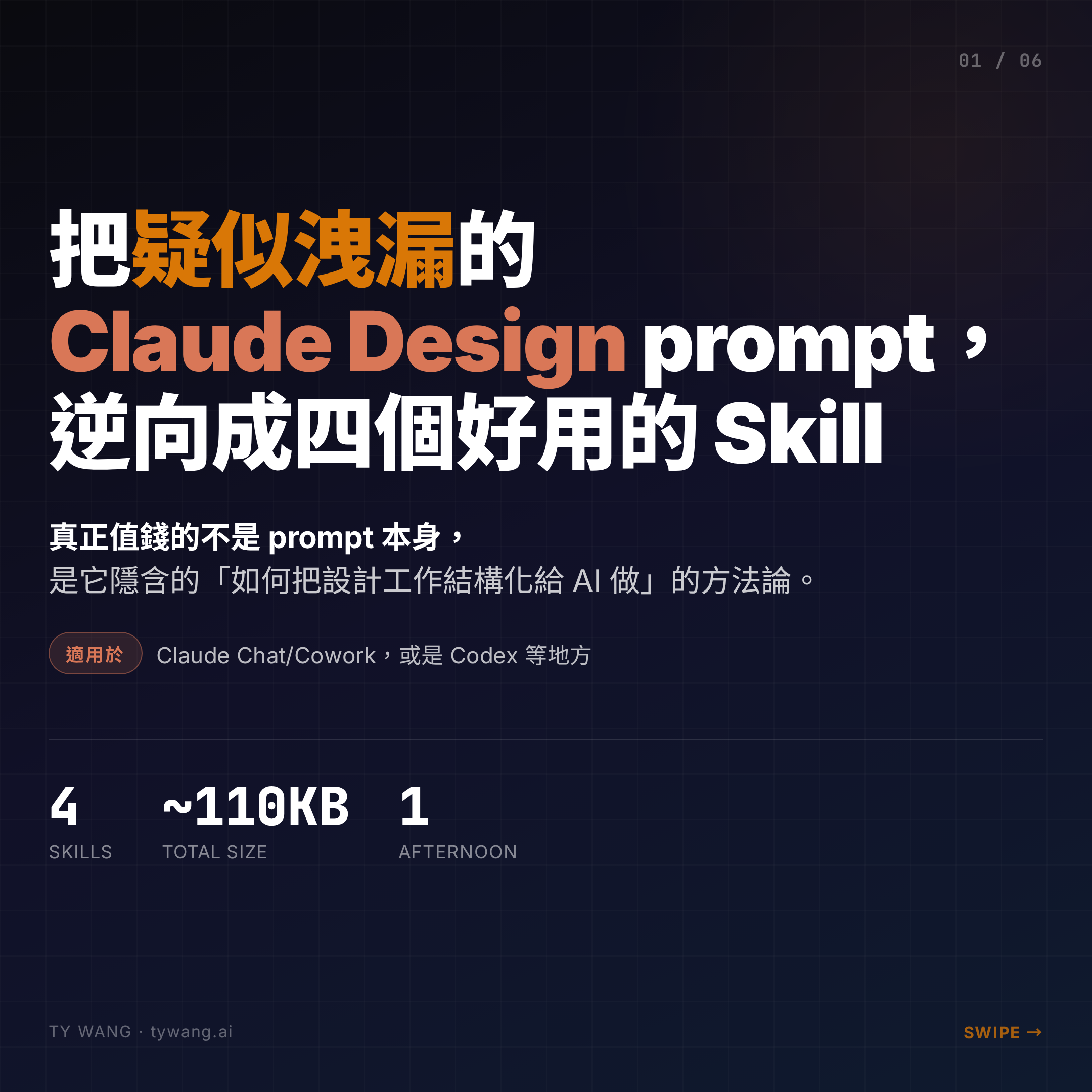
The Claude Design system prompt appears to have leaked on GitHub. I spent some time pulling out the most valuable parts and reshaping them into four skills you can actually use — in Claude Chat, Cowork, Codex, or anywhere else.
The real value, though, is not the prompt itself. It is the methodology it encodes: how to structure design work so AI can execute it well.
Where the prompt came from, and why it is worth reading
The prompt comes from a GitHub repo called CL4R1T4S, maintained by pliny — a fairly well-known prompt researcher. His earlier leak of the Claude 4 system prompt was picked up and analysed by Simon Willison, GIGAZINE, and others, so there is a baseline of credibility here.
Anthropic has not officially confirmed this Claude Design prompt, but that does not really matter. What matters is that the content is unusually thoughtful — a complete playbook for structuring design work so AI can execute it. Worth reading purely for the learning value.
The context: Claude Design is a web product. It has an iframe preview, an interactive tuning panel, a validation agent running in the background. None of that exists in the Claude Code terminal environment, so lifting the whole prompt straight into Claude Code is simply not possible.
What is valuable in the prompt is not the tooling — it is the methodology itself:
How to ask the right questions. How to define a design system. How to avoid the AI look. How to verify the output. This is prompt engineering at a level that is genuinely worth studying.
Which is why I extracted the four skills below instead of trying to port the whole thing.
1. DeckBuilder — HTML decks with built-in discipline
The first skill teaches Claude Design's approach to producing HTML presentations.
When you use Claude Design, you notice it can produce an HTML deck that keyboard-navigates, goes full-screen for presenting, and prints cleanly to PDF — and the visual quality stays consistent. I wanted that as a reusable skill.
Claude Design does this via a web component called <deck-stage> that handles the 1920×1080 canvas, auto-scaling, and keyboard navigation.
I rewrote it cleanly and added a content-guidelines.md (24 px minimum font size, no more than two colours, anti-slop guardrails) so Claude produces disciplined output every time.
A bundled PPTX export uses Playwright to screenshot each slide and package them — visually 100 % faithful, but the text is no longer editable. That fits the "send this to the client" case, not the "hand off to a colleague who needs to keep editing" case.
2. AntiSlopReview — making "AI smell" reviewable
AI-generated UI has a distinct, persistent smell. Too many gradients. Benefit cards with coloured left borders. Default Inter typography. Everything centred. Copy peppered with "revolutionary", "seamless", "cutting-edge". You can feel it, but it is hard to point at precisely what is wrong.
The prompt has a section called "Avoid AI slop tropes" that lists these patterns comprehensively.
I turned it into a regex-based checker plus a 15-item trope catalog, living in one folder. Drop it on a file and in seconds you know which lines have slop.
The output looks like:
🚫 Anti-slop review: my-deck/index.html
── Critical ── (0)
── Warning ── (0, after fix)
• Fixed: CTA label was 22px, below the 24px deck floor → bumped to 24px.
── Nit ── (0)
── Notes ──
• Slide 4 timeline (Install/Go live/Report) is adjacent to the
  three-up benefit-card trope — acceptable as a sequential timeline;
  don't add icons.
✓ No remaining slop detected.
The use case I reach for most: a last pass before handing AI-produced work off. Like code review, but for aesthetics.
3. DesignContextImport — auto-build a brand design system from the codebase
Every time you start a new marketing asset, deck, or landing page, you have to re-explain the brand — the colours, the typefaces, where the components live. Usually the explanation is incomplete, and the output drifts.
Claude Design's signature move is reading your codebase during onboarding and synthesising a design system on the fly.
I wrote this logic as a Python script: check for a Tailwind config first, fall back to CSS variables, then SCSS vars, and finally frequency analysis over the code. It outputs two files: design-tokens.json and DESIGN_SYSTEM.md.
Next time you ask Claude to produce anything, feed these in as context. Extract once, reuse forever. For teams running multiple products, the time saved is significant.
4. FrontendVerify — actually run the page before you ship it
AI-generated HTML looks fine on the page. Scan it visually, still fine. Then you open it and the console is full of red, images 404, text clips, the mobile layout explodes.
Static analysis cannot catch any of this. Only an actual browser run can.
This skill uses Playwright to spin up a headless Chromium and expose check (7 automatic checks), probe (run arbitrary JS), screenshot (single shot), and responsive (batch shots at four breakpoints). It becomes the final gate before handoff.
It pairs especially well with DeckBuilder — it auto-verifies that <deck-stage> registers, slide counts match, and the counter renders correctly.
The takeaway: the methodology is the core
Prompts are the surface; methodology is the substance. Extract the methodology, pair it with your own execution environment, and you end up somewhere far more useful than you would by trying to port the whole thing wholesale.
PS
Claude Design usage is still quite limited right now — I burn through my weekly quota early. Moving the presentation skill out to Chat/Cowork means I can keep working even when I am locked out of Claude Design itself.