Last updated: March 25, 2026
What if your LINE could do work for you, not just chat?
I turned LINE into a remote control for AI. One message from outside, and the AI on my computer gets to work and sends the result back.
TL;DR
Key takeaways first
>The real point of LINE AI Bridge is not chat. It is turning LINE into an entry point for remote AI workflows.
>Once you can trigger tasks and receive results away from the desktop, AI starts to behave more like an operating interface.
>The most useful lesson here is how workflows extend across devices, not how to build yet another bot.
What if your LINE could do work for you, not just chat?
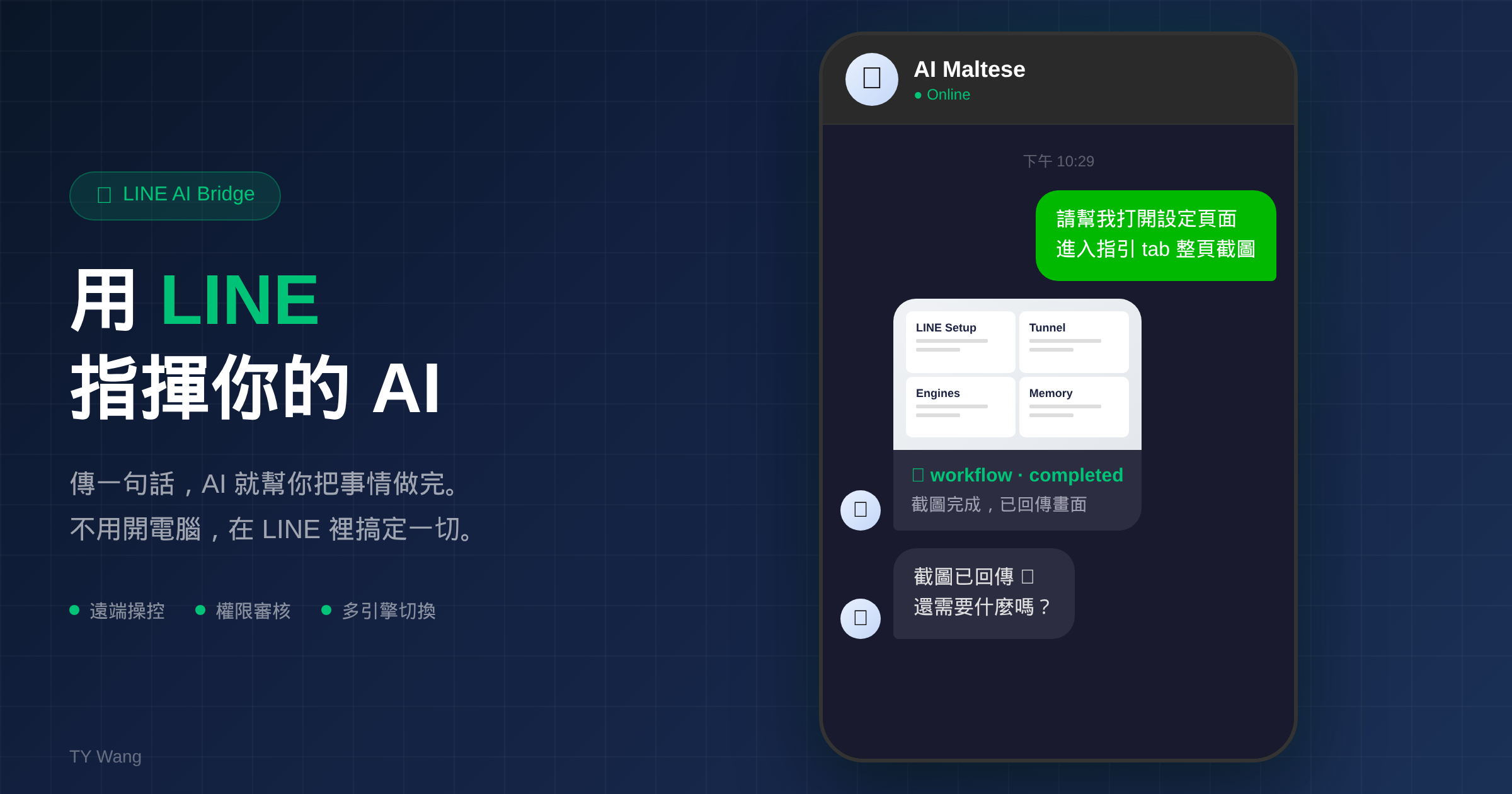
One trend in AI has become pretty obvious lately: people are no longer satisfied with the idea that AI only works when you are sitting in front of your computer.
Claude recently shipped features that let you control desktop AI through a phone app or messaging layer. OpenAI is moving in a similar direction too.
But those examples usually assume Telegram or Discord. In Taiwan, the app people keep open every day is LINE. So I wanted to try something simple: what happens if LINE becomes the remote control for AI?
1. Asking AI to do work from inside LINE
The most direct version looks like this:
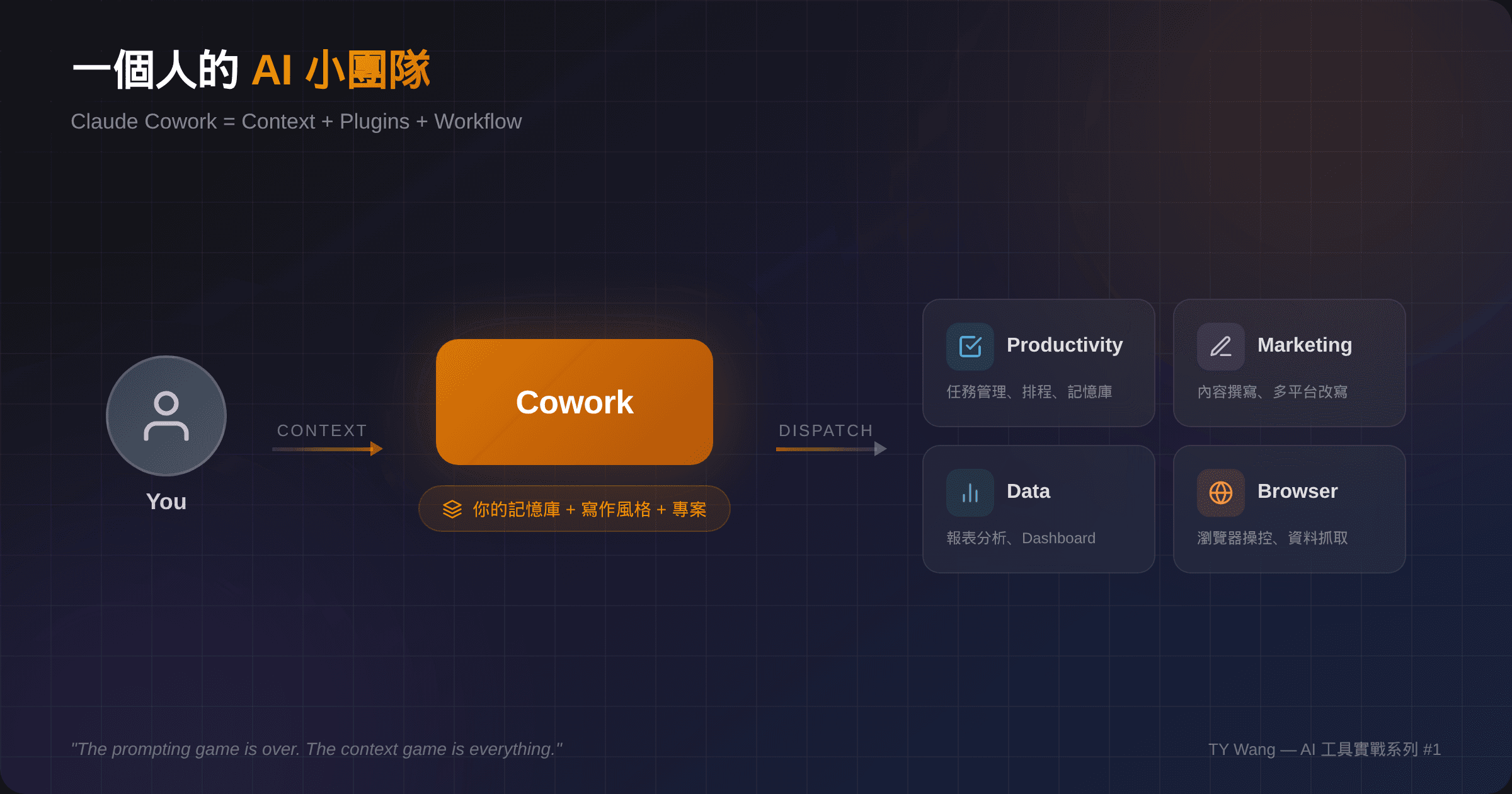
You are outside, you send one LINE message like "open that page and send me a screenshot," and the AI on your computer goes and does it, then returns the result back into LINE.
No laptop. No app switching. Just the conversation window.
2. Switching between two AI brains
Right now the bridge supports both Claude and Codex.
You can switch between them almost like switching between two people in a chat. For me, this is not mainly about novelty. It is about work starting to feel like it has a bit of internal role separation.
Yes, you could make this more extreme and run several AIs in parallel. But honestly, getting two of them to feel useful and natural is already plenty.
3. The AI asks before it does something risky
Remote desktop control sounds useful, but also a bit dangerous.
So I added a simple rule: if the AI wants to do something sensitive, it first sends a confirmation card back through LINE and asks for approval. You tap yes or no on your phone.
That one small design choice changes the feeling a lot. The AI can act, but it does not get to act blindly.
4. It remembers what you are working on
You also do not have to re-explain everything from scratch every time.
It remembers who you are, what project you are in, and how you tend to work. So if you say "switch to project A," it already knows what that means.
Used well, the experience starts to feel less like opening a new tool and more like messaging a colleague who already has the background.
5. This is not only a developer toy
A lot of people see something like this and assume it is only useful for engineers.
My feeling is almost the opposite. The interesting part is not code. It is that AI stops living in a desktop window and starts living inside the communication channel you already use every day.
That changes the workflow. Sometimes I am outside, I think of a project task, and I send it to AI through LINE right away. By the time I get back to my laptop, the work has already started moving.
6. Where I think this goes next
I really think 2026 AI is moving toward this model: you do not go to AI, AI follows you.
And the entry point may not be a brand-new app. It may be the communication tool you already live in. In Taiwan, LINE is the most obvious version of that.
If you are interested in the idea of controlling AI through LINE, I would be happy to compare notes. I may even open-source this project later so more people can play with it.
PS
Directing several AIs through LINE is honestly more fun than I expected. If the workflows get better, I will probably keep writing them up.